
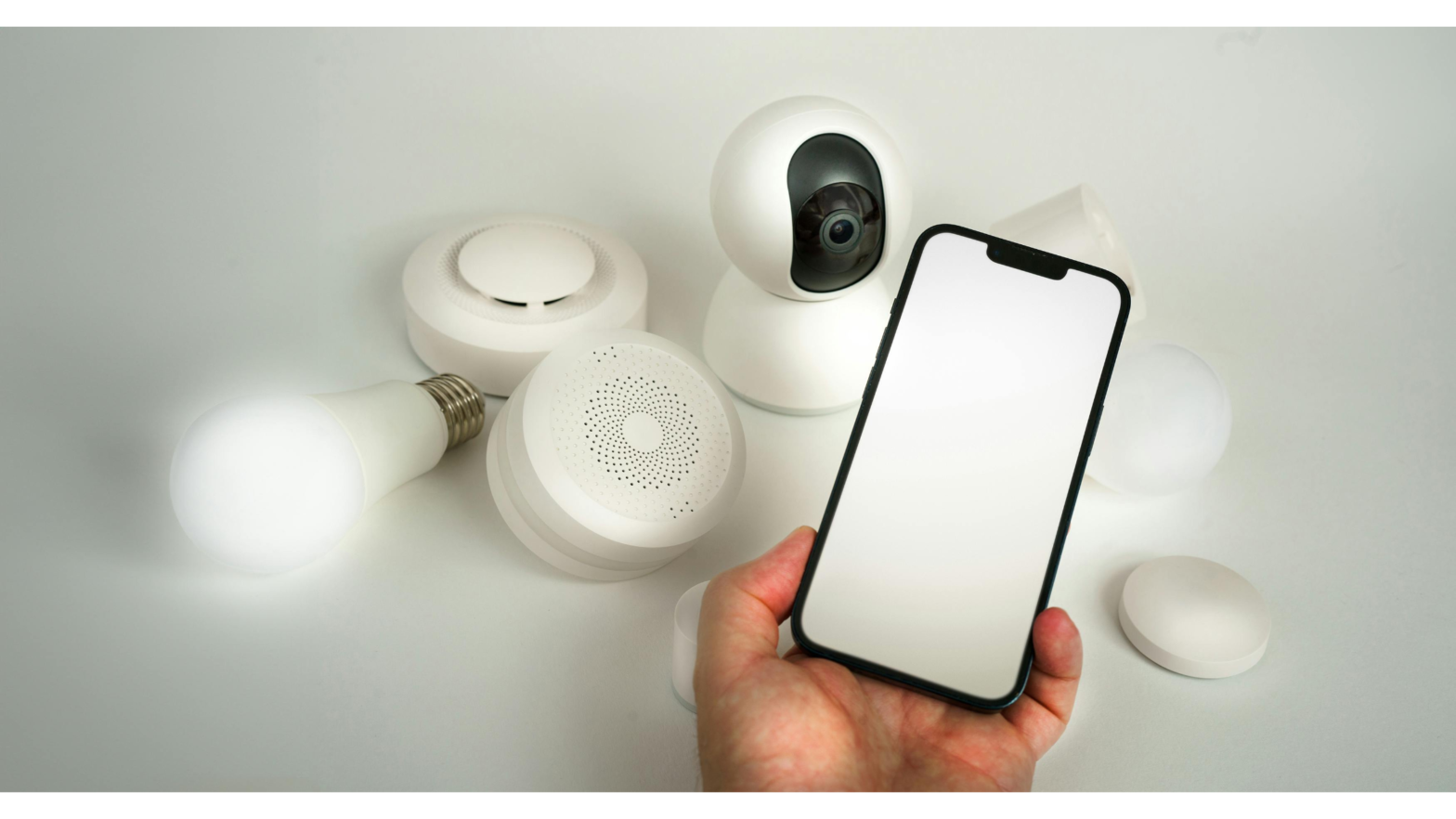
If you have an old smartphone lying unused in a drawer, it can be put to work as a basic home security camera with minimal effort. Instead of throwing it away or letting it collect dust, you can repurpose the device to monitor your home, office, or even keep an eye on pets while you’re away.
Modern smartphones are equipped with capable cameras, reliable sensors, and constant internet connectivity — all the core components of a security camera. By installing a third-party monitoring app, you can transform an unused phone into a functional surveillance tool that offers live video access and remote viewing from another device.
Getting Started Is Simple
Setting up a phone-based security camera typically takes only a few minutes. After downloading a compatible app from your device’s app store, you assign one phone as the camera and use another phone, tablet, or computer as the viewer. Once connected, the system allows you to check the video feed in real time from virtually anywhere.
There is no shortage of apps designed for this purpose, with hundreds available across Android and iOS platforms. Most of them offer essential features for free, making the setup both accessible and cost-effective.
Data and Storage Considerations
Because video streaming consumes data, it’s best to rely on Wi-Fi rather than mobile networks. On average, these apps can use around 60 MB of data in just 10 minutes of live streaming on both the camera and viewer ends. Fortunately, many apps include motion detection, which means video is only recorded or transmitted when movement is detected, reducing unnecessary data use.
Storage is another factor to keep in mind. Saving one minute of footage typically takes about 3 MB. Continuous recording over a full day can add up to several gigabytes, so transferring files to a computer or external storage regularly is recommended if you plan to run the camera around the clock.
Features That Go Beyond Expectations
Despite being free, most apps allow you to record video clips or capture still images on demand. Footage is usually saved in standard MP4 format at SD quality, which is often comparable to — or better than — what many entry-level CCTV systems provide.
Paid upgrades are generally optional. One feature some users may find useful is cloud backup, which stores recordings on the app provider’s servers for added security. However, the core monitoring and recording functions usually work well without any subscription.
A Practical and Sustainable Solution
With just a few simple steps and a free app, an old smartphone can be transformed into a useful security device. It’s an affordable alternative to traditional CCTV systems and a smart way to reduce electronic waste by giving new life to a perfectly functional piece of hardware.